
What Is WhatsApp API? A Simple Guide for Businesses
WhatsApp has become one of the most popular communication platforms for businesses and customers. From answering customer questions to sending order updates and promotional messages, businesses increasingly use WhatsApp to communicate with their customers.
But when a business needs to manage thousands of customer conversations, sending messages manually through a regular WhatsApp account can become difficult. This is where the WhatsApp API comes in.
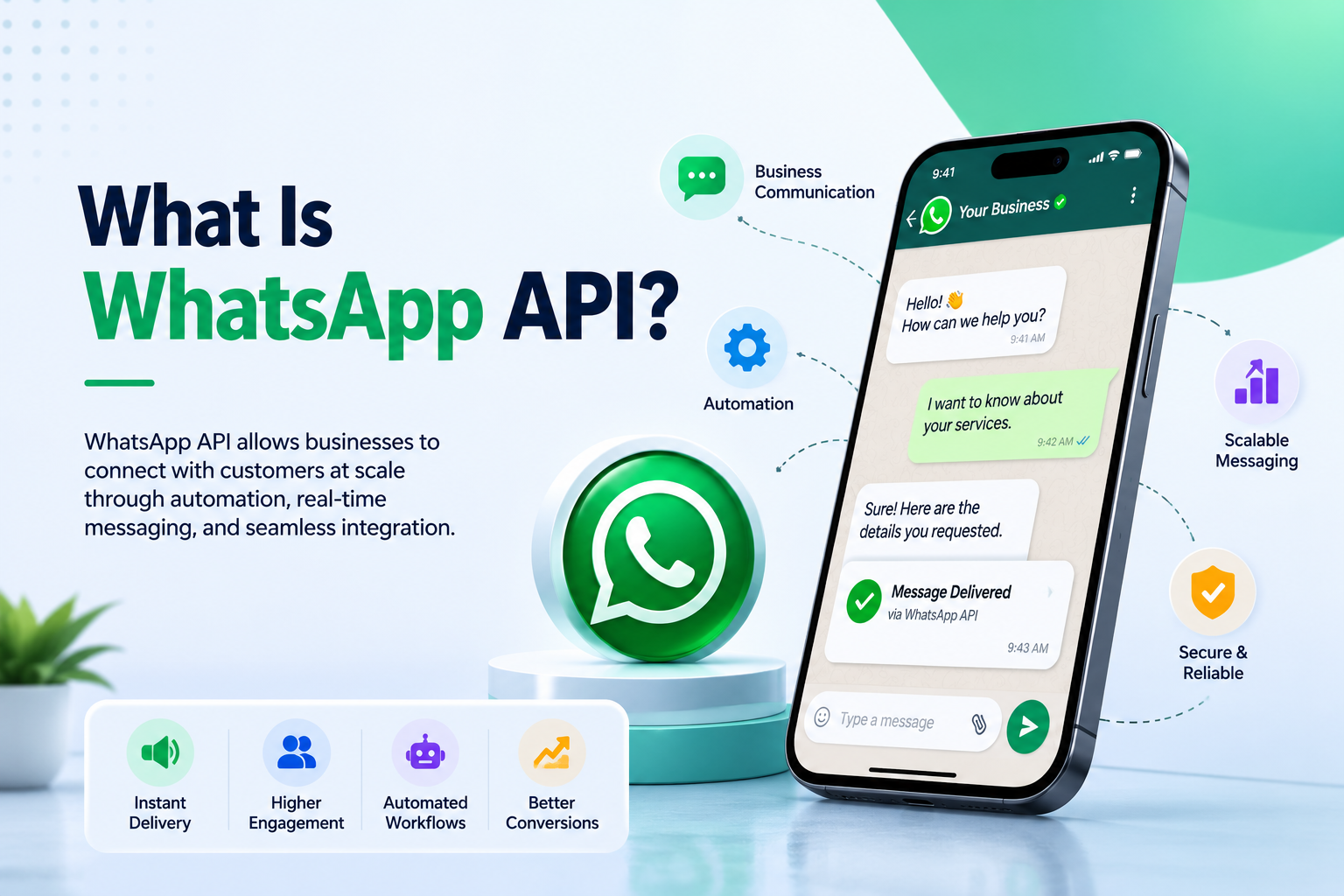
WhatsApp API allows businesses to connect WhatsApp with their websites, CRM systems, customer support tools, and other business applications. It enables businesses to send automated messages, manage customer conversations, provide support, and communicate with customers at scale.
What Is WhatsApp API?
WhatsApp API is a business communication interface that allows companies to integrate WhatsApp messaging into their own software, applications, CRM systems, or customer support platforms.
Unlike the regular WhatsApp application, WhatsApp API is designed for businesses that need to handle a large number of customer conversations and automated notifications.
With WhatsApp API, businesses can create automated communication workflows for activities such as:
- Order confirmations
- Delivery updates
- Appointment reminders
- Payment notifications
- Customer support
- Lead follow-ups
- Promotional campaigns
- Account notifications
- Booking confirmations
- Service updates
For example, when a customer places an order on an e-commerce website, the business can automatically send a WhatsApp message confirming the order. Later, another message can be sent when the order is shipped or delivered.
How Does WhatsApp API Work?
WhatsApp API works by connecting a business's communication system with WhatsApp.
A typical setup involves:
- Business Account – The business uses a WhatsApp Business account for communication.
- API Integration – WhatsApp is connected with the business software or messaging platform.
- Customer Database – Customer information can be connected to the system where appropriate.
- Message Templates – Approved templates can be used for specific business notifications and communication.
- Automation – Businesses can trigger messages based on events such as purchases, bookings, payments, or customer inquiries.
- Customer Replies – Customers can respond to messages, allowing businesses to continue the conversation.
This integration makes it possible to manage WhatsApp communication without manually sending every message.
WhatsApp API vs Regular WhatsApp
A regular WhatsApp account is mainly designed for individual communication, while WhatsApp API is designed for business communication at scale.
Some important differences include:
| Feature | Regular WhatsApp | WhatsApp API |
|---|---|---|
| Business automation | Limited | Advanced |
| Large-scale messaging | Not designed for it | Designed for business use |
| CRM integration | Limited | Supported |
| Automated notifications | Limited | Supported |
| Multiple business workflows | Limited | Supported |
| Customer support integration | Basic | Advanced |
| Developer integration | No | Yes |
Businesses that need automation and integration with existing software can benefit significantly from WhatsApp API.
Key Features of WhatsApp API
1. Automated Messages
Businesses can automatically send messages based on customer actions or business events.
For example:
Your appointment is confirmed for tomorrow at 10:00 AM.
This eliminates the need for staff to send every notification manually.
2. Customer Notifications
WhatsApp API can be used to send important transactional notifications such as:
- Order updates
- Payment confirmations
- Shipping notifications
- Appointment reminders
- Booking confirmations
- Service alerts
These messages can help customers stay informed throughout their journey.
3. Customer Support
Businesses can integrate WhatsApp with their customer support systems to manage incoming customer questions and conversations.
This can make it easier for support teams to respond to customers from a centralized system.
4. CRM Integration
WhatsApp API can be connected with CRM and business applications.
This allows businesses to build workflows around customer information, leads, sales, and support interactions.
For example, when a new lead is added to a CRM, the system can trigger a WhatsApp follow-up message.
5. Chat Automation
Businesses can automate frequently asked questions and common customer interactions.
For example, a customer could send:
"What are your business hours?"
The automated system can immediately provide the required information.
6. Personalized Communication
Businesses can personalize messages using customer information where appropriate.
Instead of sending a generic message, businesses can create communication such as:
Hello Rahul, your order #4582 has been shipped.
Personalized communication can create a better customer experience.
Benefits of WhatsApp API for Businesses
Faster Customer Communication
Customers can receive important updates directly through WhatsApp without needing to check emails or websites repeatedly.
Better Customer Engagement
WhatsApp provides businesses with a direct communication channel where customers can ask questions, receive updates, and interact with the business.
Reduced Manual Work
Automation can reduce repetitive tasks for sales, support, and operations teams.
Improved Response Time
Automated responses and notifications can help businesses respond to customers faster.
Scalable Communication
As a business grows, managing customer communication manually becomes increasingly difficult. WhatsApp API provides a way to build scalable messaging workflows.
Better Customer Experience
Timely order updates, reminders, confirmations, and support messages can make the overall customer experience smoother.
Who Can Use WhatsApp API?
WhatsApp API can be useful for businesses across different industries.
E-commerce Businesses
E-commerce companies can use WhatsApp API for:
- Order confirmations
- Shipping updates
- Delivery notifications
- Customer support
- Product inquiries
Educational Institutions
Schools, colleges, coaching institutes, and educational businesses can use it for:
- Admission updates
- Class reminders
- Exam notifications
- Important announcements
- Student communication
Healthcare Businesses
Clinics and healthcare organizations can use WhatsApp communication for:
- Appointment confirmations
- Reminders
- Schedule updates
- Patient communication
Travel and Hospitality
Hotels, travel agencies, and tour operators can use WhatsApp API for:
- Booking confirmations
- Reservation updates
- Check-in information
- Customer support
Service Businesses
Service providers can use WhatsApp API to communicate with customers about appointments, payments, service requests, and updates.
WhatsApp API for Marketing
Businesses can also use WhatsApp as a marketing communication channel when they have the required customer consent and follow applicable WhatsApp policies.
Marketing communication can include:
- New product announcements
- Special offers
- Promotional campaigns
- Event invitations
- Product recommendations
- Customer re-engagement
Businesses should avoid sending unsolicited messages and should follow WhatsApp's business messaging policies and applicable privacy requirements.
WhatsApp API for Lead Generation
WhatsApp API can also become part of a business's lead generation process.
For example, a business can connect a website form or advertising campaign with WhatsApp. When a customer shows interest, the business can initiate an appropriate conversation and route the lead to its sales team.
This can help reduce the time between receiving a lead and contacting the potential customer.
Is WhatsApp API Suitable for Small Businesses?
Yes. WhatsApp API is not limited to large companies.
Small and medium-sized businesses can also use WhatsApp API when they need:
- Automated customer notifications
- Lead follow-ups
- Customer support
- CRM integration
- Appointment reminders
- Business process automation
The right solution depends on the business's messaging volume, requirements, integrations, and budget.
WhatsApp API vs WhatsApp Business App
The WhatsApp Business App is useful for businesses that primarily need manual customer communication and basic business features.
WhatsApp API is more suitable when a business needs software integration, automation, structured workflows, or communication at a larger scale.
In simple terms:
WhatsApp Business App = Manual business communication
WhatsApp API = Automated and integrated business communication
Things to Consider Before Using WhatsApp API
Before implementing WhatsApp API, businesses should consider:
Customer Consent
Businesses should communicate with customers according to applicable consent and messaging requirements.
Message Templates
Certain business-initiated communications may require approved message templates.
Business Verification
Depending on the setup and provider, businesses may need to complete required business and account verification processes.
Messaging Policies
Businesses should follow WhatsApp's applicable business and commerce policies.
Integration Requirements
Businesses should determine whether they need integration with their CRM, website, helpdesk, e-commerce platform, or other software.
Final Thoughts
WhatsApp API provides businesses with a powerful way to automate and scale customer communication. Instead of relying entirely on manual messaging, businesses can connect WhatsApp with their existing systems and create automated workflows for notifications, customer support, lead management, and other business processes.
Whether you run an e-commerce store, educational institution, healthcare business, service company, or growing startup, WhatsApp API can help make customer communication faster, more organized, and easier to scale.
The key is to use WhatsApp API strategically, communicate with customers appropriately, and build useful conversations rather than simply sending large volumes of messages.