How to Use Bulk SMS for Appointment Reminders and Follow-Ups
Missed appointments, forgotten bookings, and delayed follow-ups can affect customer satisfaction and business revenue. Whether you manage a clinic, coaching institute, salon, consultancy, or home service company, timely communication helps customers remember appointments and take the next step. Using bulk SMS for appointment reminders gives businesses a practical way to send booking confirmations, reminders, rescheduling updates, and follow-up messages at scale.
With an effective SMS communication strategy, businesses can reduce avoidable missed appointments, improve scheduling, and build stronger customer relationships. In this guide, discover how automated SMS reminders work, which messages to send, and how to use them effectively with Bulk SMS Patna.
What Is Bulk SMS for Appointment Reminders?
Bulk SMS for appointment reminders is a business messaging solution that allows organizations to send appointment-related notifications to multiple customers or patients through SMS. Messages can be scheduled in advance or triggered automatically when a booking is created, confirmed, changed, or approaching its scheduled time.
For example, a clinic can notify patients about tomorrow's consultation, a coaching institute can remind students about counselling sessions, and a salon can send booking confirmations before a scheduled visit.
Businesses can use a transactional SMS service for appropriate appointment confirmations and service-related notifications. For larger communication requirements, a bulk SMS service can help manage customer messaging from a centralized platform.
Why Are SMS Appointment Reminders Important?
Customers have busy schedules and may forget appointments booked days or weeks in advance. A timely text message provides a convenient reminder without requiring customers to check their email or open a mobile application.
1. Help Reduce Missed Appointments
A reminder sent before an appointment gives customers an opportunity to remember their booking, plan their travel, or request a change if they cannot attend. This can help businesses manage schedules more efficiently and make better use of available appointment slots.
2. Improve Customer Experience
Clear appointment communication reassures customers that their bookings have been recorded. Including the appointment date, time, location, and contact details makes it easier for recipients to prepare for their visit.
3. Save Staff Time
Manually calling every customer to confirm an appointment can consume valuable staff time. Automated SMS follow-ups help reduce repetitive communication tasks and allow employees to focus on customer service and daily operations.
4. Support Better Scheduling
When customers receive reminders early enough to request rescheduling, businesses may have more time to offer the released slot to another customer. This is particularly useful for clinics, consultants, salons, repair services, and training centers.
5. Encourage Repeat Business
Follow-up messages can help businesses maintain relationships after an appointment. Depending on the service, a business might send a service completion update, request feedback, or remind a customer when a repeat visit is due.
Which Businesses Can Use Bulk SMS Reminders?
Automated appointment reminders are useful for businesses that depend on scheduled visits, consultations, sessions, or service bookings.
Hospitals and Clinics
Healthcare providers can send consultation reminders, appointment confirmations, and rescheduling notifications. Messages should disclose only the information necessary for the appointment and avoid including unnecessary sensitive medical details.
Coaching Institutes and Educational Centers
Coaching institutes can remind students and parents about counselling sessions, admission consultations, demo classes, parent meetings, and scheduled assessments.
Salons and Beauty Clinics
Salons can send booking confirmations, reminders before appointments, and appropriate follow-up messages after a service. These notifications help customers remember their scheduled visits.
Consultants and Professional Services
Legal consultants, accountants, financial advisors, and other professionals can use appointment reminder SMS messages to communicate meeting dates, timings, and rescheduling instructions.
Repair and Home Service Businesses
Electricians, plumbers, appliance repair companies, and maintenance providers can notify customers about service visits, technician schedules, and changes to expected arrival times.
Gyms and Wellness Centers
Fitness studios and wellness centers can remind members about personal training sessions, booked classes, consultations, and membership-related appointments.
Types of Appointment Reminder and Follow-Up SMS
An effective SMS communication plan uses different messages at different stages of the customer journey.
1. Appointment Booking Confirmation
Send a confirmation immediately after a customer books an appointment. This message should establish that the booking has been received and provide the essential details.
Hello [Name], your appointment with [Business Name] is confirmed for [Date] at [Time]. Location: [Address]. For changes, please contact [Phone Number].
2. Advance Appointment Reminder
A reminder sent a day before an appointment gives customers time to prepare, arrange transportation, or request a change.
Reminder: Your appointment with [Business Name] is scheduled for tomorrow, [Date], at [Time]. Please contact us at [Phone Number] if you need assistance.
3. Same-Day Appointment Reminder
A short reminder sent a few hours before a booking can help customers keep the appointment in mind. Choose the timing based on the service and the customer's expectations.
Hello [Name], this is a reminder of your appointment today at [Time] with [Business Name]. We look forward to seeing you.
4. Rescheduling and Cancellation Updates
When an appointment changes, send a clear notification with the updated date and time. If the customer must take action, explain how to confirm or reschedule the booking.
Your appointment with [Business Name] has been rescheduled to [New Date] at [New Time]. Please contact [Phone Number] if this change does not work for you.
5. Post-Appointment Follow-Up
After a completed appointment, businesses can send a thank-you message, request feedback, or provide relevant next steps. Keep the message useful and appropriate for the service delivered.
Thank you for visiting [Business Name], [Name]. We appreciate your time. For questions or feedback, please contact [Phone Number].
6. Repeat Appointment Reminders
Some services require periodic visits, such as routine maintenance, follow-up consultations, or recurring sessions. Where customers have agreed to receive these notifications, businesses can schedule reminders based on the recommended service interval.
Hello [Name], it may be time to schedule your next service with [Business Name]. Contact us at [Phone Number] to check available appointments.
How to Set Up Automated SMS Appointment Reminders
Businesses can implement automated SMS reminders through a messaging dashboard or connect an SMS platform to their existing booking software. Follow these steps to establish a consistent process.
Step 1: Organize Appointment Information
Maintain accurate customer contact details, appointment dates, timings, booking status, and relevant preferences. Collect only the information necessary to manage appointments and communicate with customers.
Step 2: Choose an Appropriate SMS Service
Select a messaging solution that supports your expected message volume, scheduling requirements, delivery reports, and integration needs. Explore the Bulk SMS Service and SMS API options offered by Bulk SMS Patna.
Step 3: Create Clear Message Templates
Prepare separate templates for confirmations, advance reminders, same-day reminders, cancellations, and follow-ups. Keep each message concise and include the information the recipient needs to act.
Step 4: Configure Reminder Timing
Decide when each notification should be sent. For example, a business may send a confirmation immediately after booking and an additional reminder 24 hours before the appointment. The best timing depends on the service, booking lead time, and customer expectations.
Step 5: Automate Message Delivery
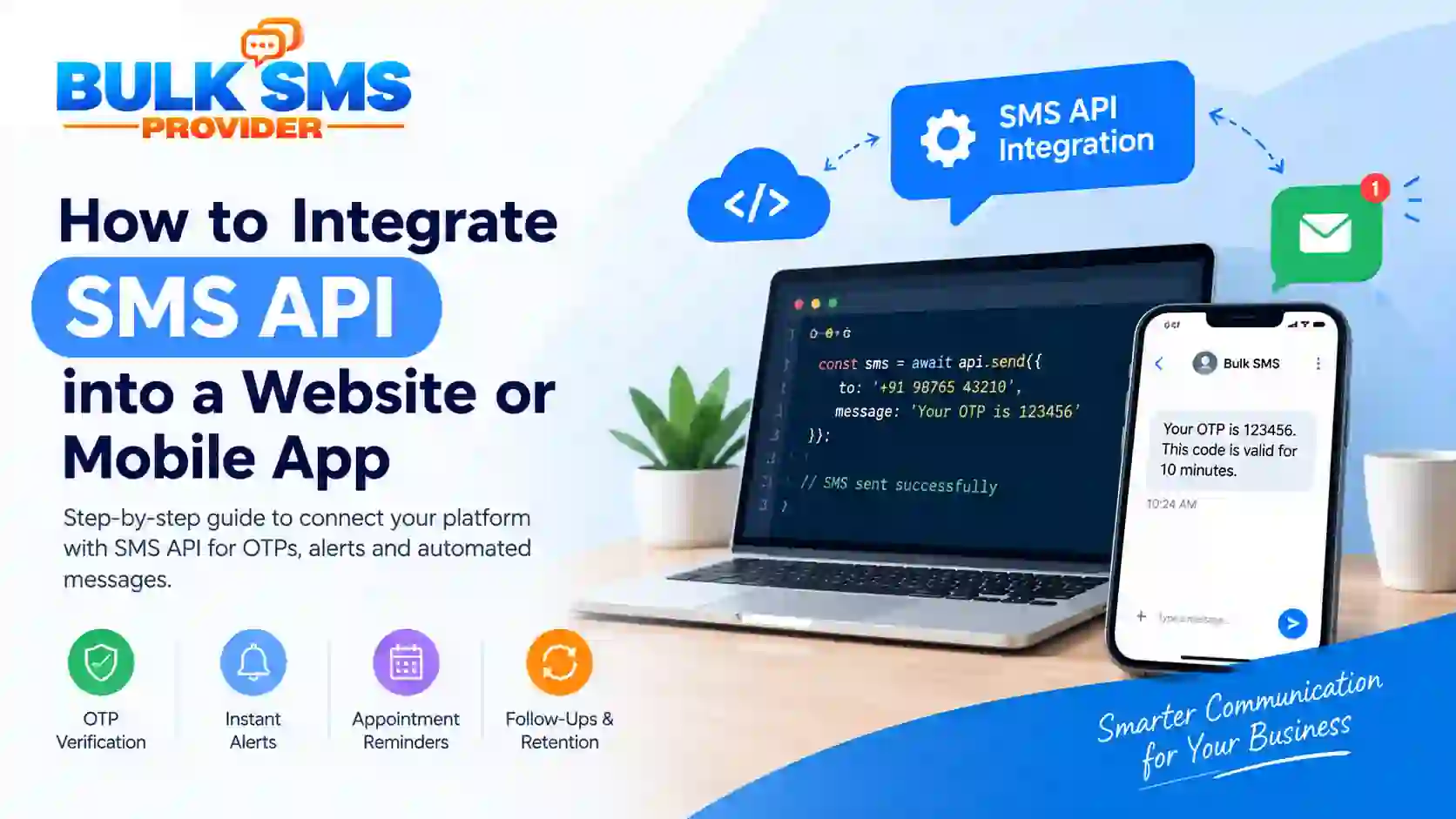
Configure your booking system or messaging dashboard to trigger messages when specific events occur. For advanced workflows, an SMS API can connect the booking database or application to the messaging platform, reducing manual work.
Step 6: Test Before Launching
Test messages using internal numbers and sample appointments. Verify variable fields such as names, dates, times, and contact numbers. Also check that cancelled or rescheduled appointments do not trigger outdated reminders.
Step 7: Monitor Delivery and Improve
Review delivery reports, failed messages, customer responses, missed appointments, and rescheduling patterns. Use these insights to adjust reminder timing and improve your communication process.
Best Practices for Effective SMS Appointment Reminders
- Personalize the message: Use the customer's name when appropriate and identify your business clearly.
- Include essential details: Mention the appointment date, time, location, and a relevant contact number.
- Keep messages concise: Focus on one purpose and avoid unnecessary promotional content in service notifications.
- Send reminders at suitable times: Avoid excessive notifications and choose a schedule that fits the appointment type.
- Provide a clear next step: Explain how customers can contact you or request a change.
- Maintain accurate records: Update appointment status promptly to prevent duplicate or incorrect reminders.
- Review delivery reports: Investigate failed deliveries and correct invalid contact information where appropriate.
- Respect customer preferences: Manage consent and opt-out requests according to the type of communication and applicable requirements.
SMS Appointment Reminders and TRAI Compliance in India
Businesses sending bulk SMS in India should understand the applicable telecom commercial communication requirements. Depending on the message category, sender registration, registered headers, approved content templates, consent requirements, and other DLT-related procedures may apply.
Appointment confirmations and service-related notifications should use the appropriate messaging category and route. Promotional offers should not be disguised as transactional messages. Marketing communication must follow the applicable consent and promotional messaging rules.
Before launching a campaign, review the latest guidance from the Telecom Regulatory Authority of India (TRAI) and confirm the requirements with your messaging provider. Requirements can depend on the message purpose and classification.
How to Measure the Performance of SMS Reminders
Sending messages is only one part of an effective reminder strategy. Businesses should measure whether the communication process is helping customers attend appointments and making scheduling easier.
- Delivery rate: The proportion of submitted messages reported as delivered.
- Missed appointment rate: The share of scheduled appointments that customers do not attend.
- Rescheduling rate: The number of customers who request a change after receiving a reminder.
- Confirmation rate: The proportion of customers who confirm when a confirmation mechanism is available.
- Repeat booking rate: The number of customers who return for another appointment over a defined period.
- Cost per appointment: The messaging cost associated with each successfully attended or completed appointment, based on your chosen measurement method.
Compare results over similar time periods and appointment types. Avoid assuming that every change is caused by SMS alone; staffing, seasonality, booking policies, and service quality can also affect outcomes.
Why Choose Bulk SMS Patna for Business Messaging?
Businesses need a messaging solution that fits their communication volume, technical setup, and customer service workflow. Bulk SMS Patna provides messaging solutions for businesses in Patna, Bihar, and across India.
Depending on your requirements, you can explore:
- Bulk SMS Service for managing business messages at scale.
- Transactional SMS for appropriate booking confirmations and service notifications.
- Promotional SMS for eligible marketing campaigns and customer offers.
- SMS API for connecting messaging with websites, applications, or booking systems.
- SMS pricing plans to review available options for your business needs.
Choosing the right service starts with identifying whether you need scheduled reminders, automated booking notifications, application integration, promotional messaging, or a combination of these capabilities.
To discuss your requirements, visit the Bulk SMS Patna contact page and ask about a suitable messaging setup for your business.
Frequently Asked Questions
1. What is the best way to send SMS appointment reminders?
Use a business SMS platform that supports message scheduling, delivery reports, and, where needed, integration with your booking system. Send concise reminders with the appointment date, time, business name, and contact details.
2. Can appointment reminders be automated?
Yes. Appointment reminders can be scheduled through a messaging dashboard or automated using an SMS API connected to a booking system. The exact setup depends on the tools your business uses.
3. How many reminders should a business send?
There is no single ideal number for every business. A common starting point is a booking confirmation and one advance reminder. Some services may benefit from an additional same-day reminder, provided the schedule is useful and not excessive.
4. Can small businesses use bulk SMS for appointments?
Yes. Clinics, salons, coaching centers, repair services, consultants, and other small businesses can use SMS reminders to communicate with customers without manually contacting every person.
5. What should an appointment reminder SMS contain?
Include the business name, appointment date and time, location if relevant, and a contact method for questions or rescheduling. Keep personal or sensitive information to a minimum.
6. Can SMS reminders be integrated with booking software?
Yes. An SMS API can connect compatible booking software, websites, and applications to a messaging platform. Developers can configure triggers for booking confirmations, reminders, cancellations, and follow-ups.
7. Are appointment reminders different from promotional SMS?
Yes. Appointment reminders communicate relevant booking or service information, while promotional SMS advertises offers or encourages purchases. Businesses should classify messages correctly and follow the applicable telecom requirements for each category.
8. How can I choose a bulk SMS provider in Patna?
Compare message routes, pricing, delivery reporting, integration options, support, and assistance with applicable registration and template requirements. Choose a provider that can support your actual appointment workflow.
Conclusion
Bulk SMS for appointment reminders and follow-ups can help businesses communicate clearly, reduce avoidable missed appointments, save administrative time, and maintain customer relationships. From booking confirmations to advance reminders and post-service messages, a well-planned SMS workflow keeps customers informed at important stages of their journey.
Start with clear message templates, appropriate timing, accurate appointment data, and regular performance monitoring. As your business grows, consider automating notifications through a messaging dashboard or SMS API. Explore the solutions available from Bulk SMS Patna to identify a suitable approach for your business communication needs.